STEP 1
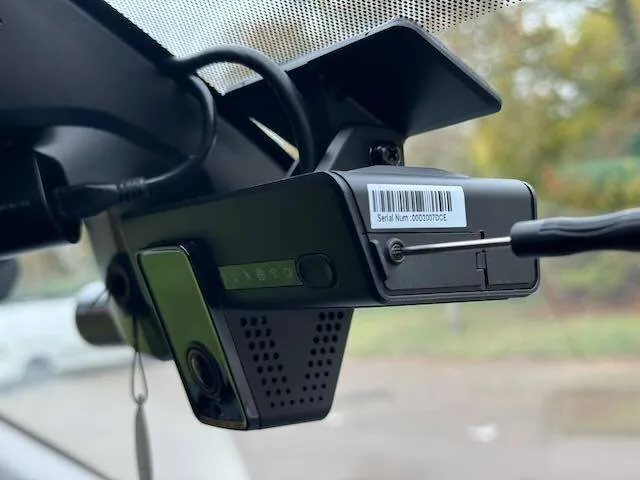
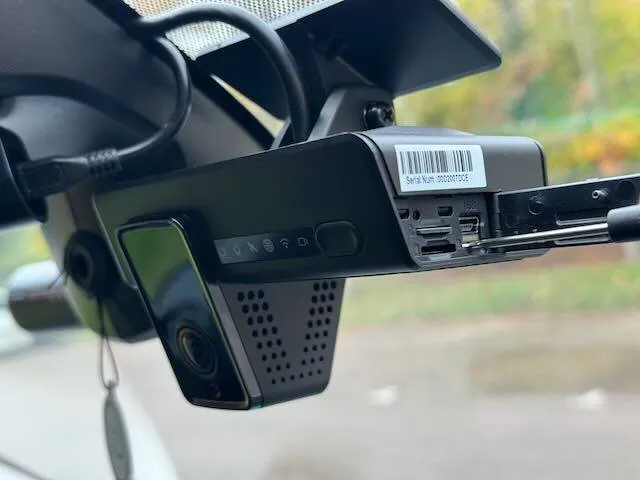
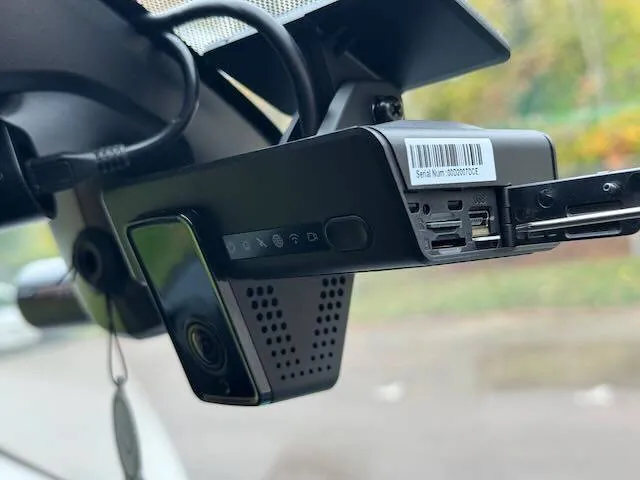
Find the serial-number label and access door on the left side of the camera. Confirm the replacement SIM is assigned to this camera.


FLEETTRACK CUSTOMER SUPPORT
Only use this guide if we have supplied a replacement SIM for the camera shown. If you are unsure which camera it belongs to, contact us first.
STEP 1
Find the serial-number label and access door on the left side of the camera. Confirm the replacement SIM is assigned to this camera.
STEP 2
Loosen the security screw using the supplied screwdriver. The screw is captive and stays in the cover.
STEP 3
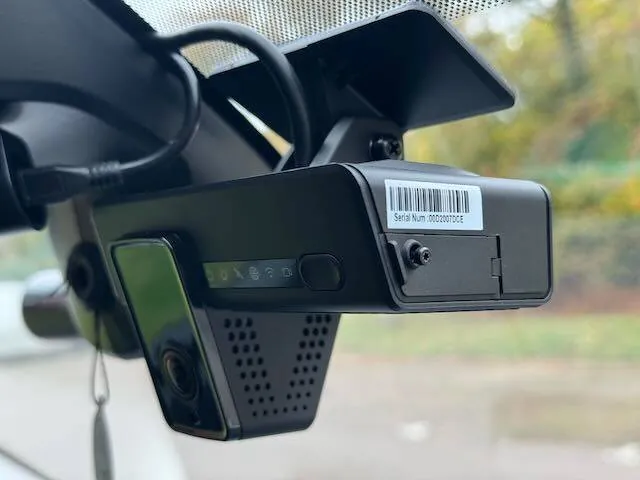
Open the access door using its raised front edge. It opens around 90 degrees.
STEP 4
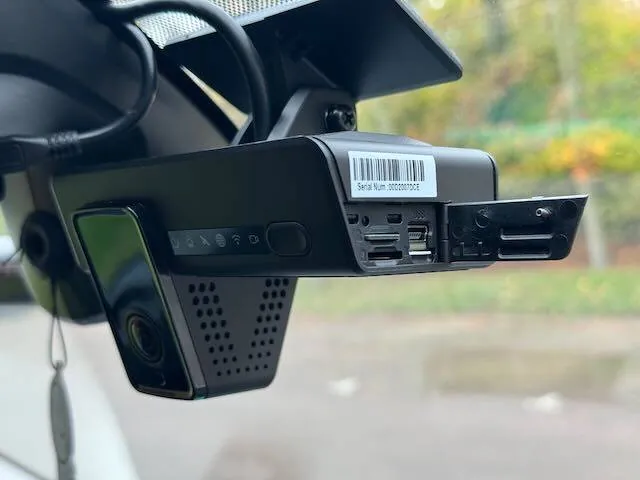
Locate the SIM in the lower-right corner, nearest the hinge. Gently press it until it clicks and releases.
STEP 5
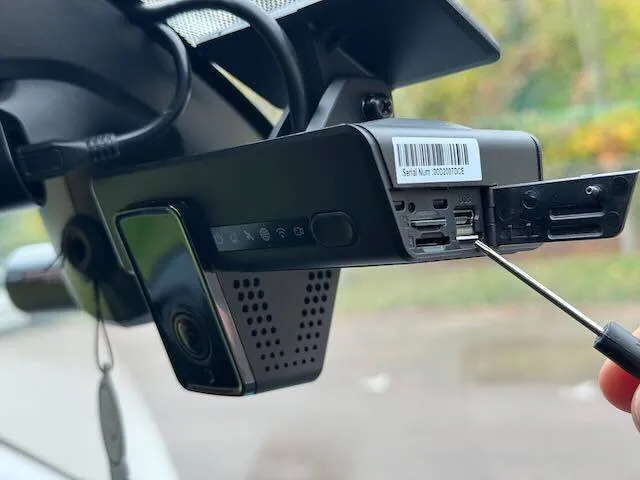
Remove the released SIM carefully. It can be fiddly; tweezers may help.
STEP 6
Separate the smallest, nano-SIM size from the supplied replacement card.
STEP 7
Insert the assigned SIM in the correct orientation. Close and secure the access door, then turn on the vehicle. The original support guide advises allowing up to 24 hours to reconnect.
NEED A HAND CHOOSING?
If the SIM assignment is unclear or the camera does not reconnect, contact us with the camera serial number.